
Everything a professional laser shop needs. One platform.
Convert artwork, generate production-ready DXF files, design neon signs, create engraving portraits, and automate repetitive laser workflows.
Trusted by laser pros worldwide
Real users, real machines, real output
- 4+ years of daily laser experience
- 4,500+ real designs delivered
- Used in 30+ countries
- Designed for real production
Every step of the laser workflow.
Focused tools that replace hours of manual work. Each one tuned on real production jobs.
Vector Tracing
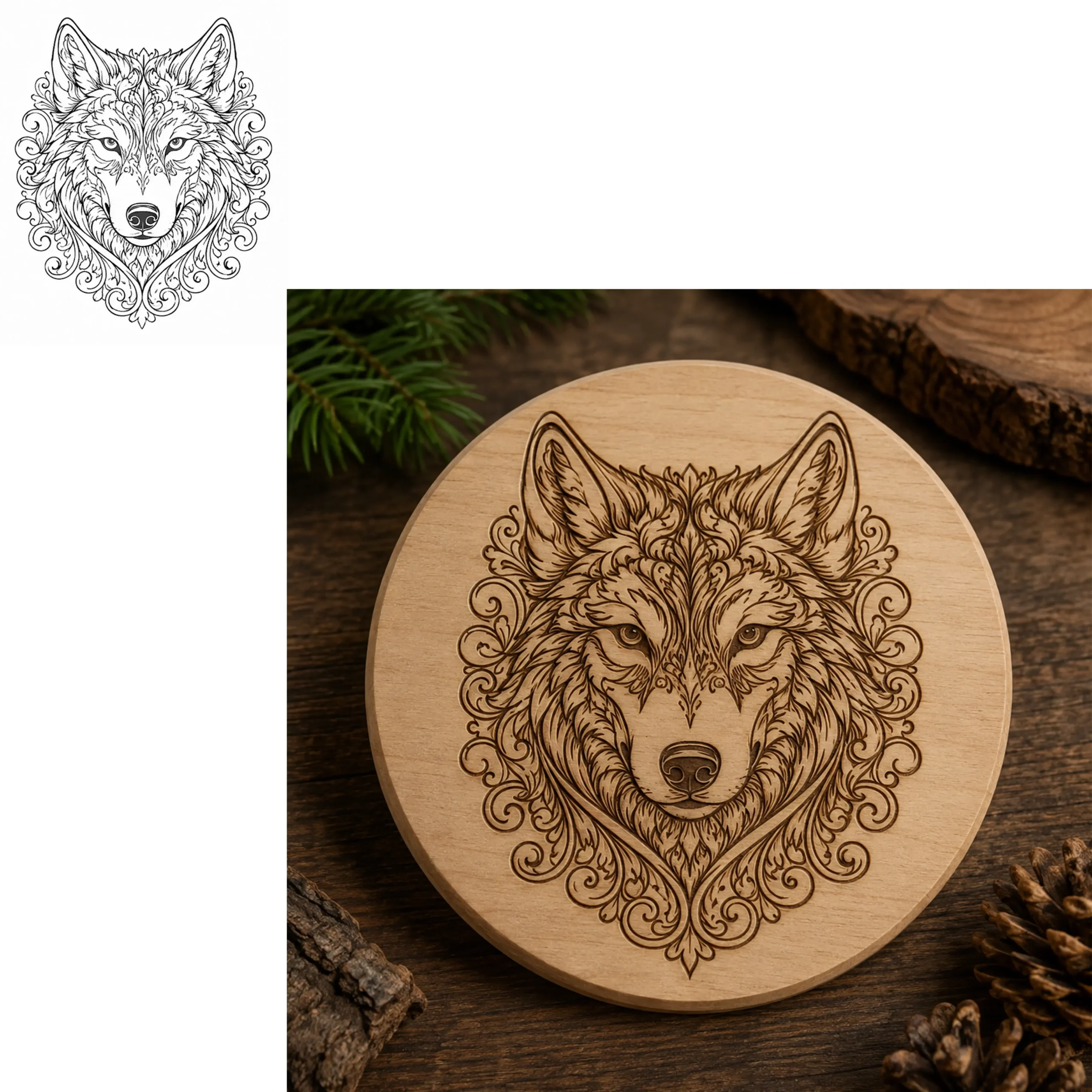
Trace any raster image into production-ready DXF and SVG. Clean paths, no manual node cleanup.
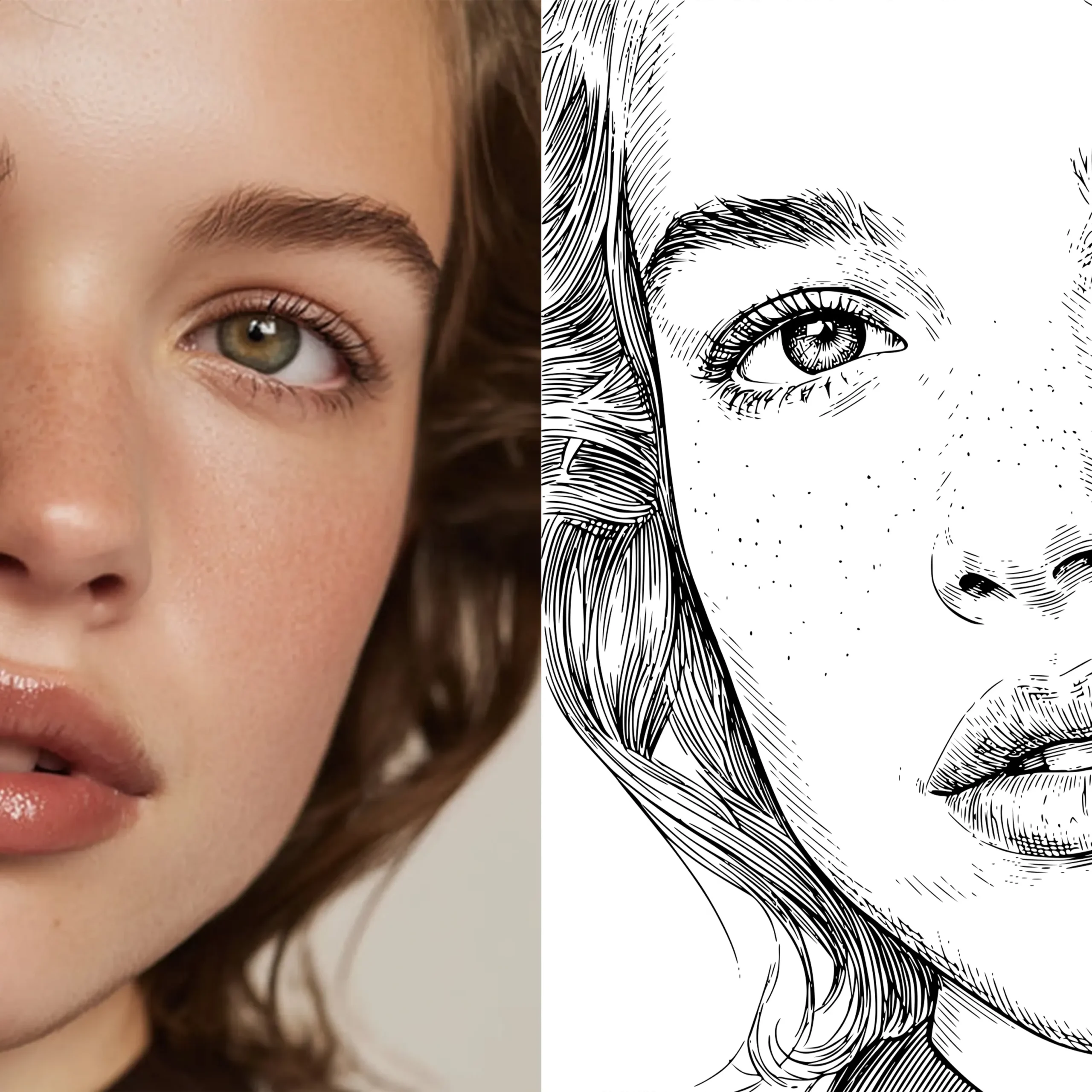
Portrait Engraving Studio
Photo to engraving-grade line art in one workflow. Production PNG, SVG, and DXF exports.
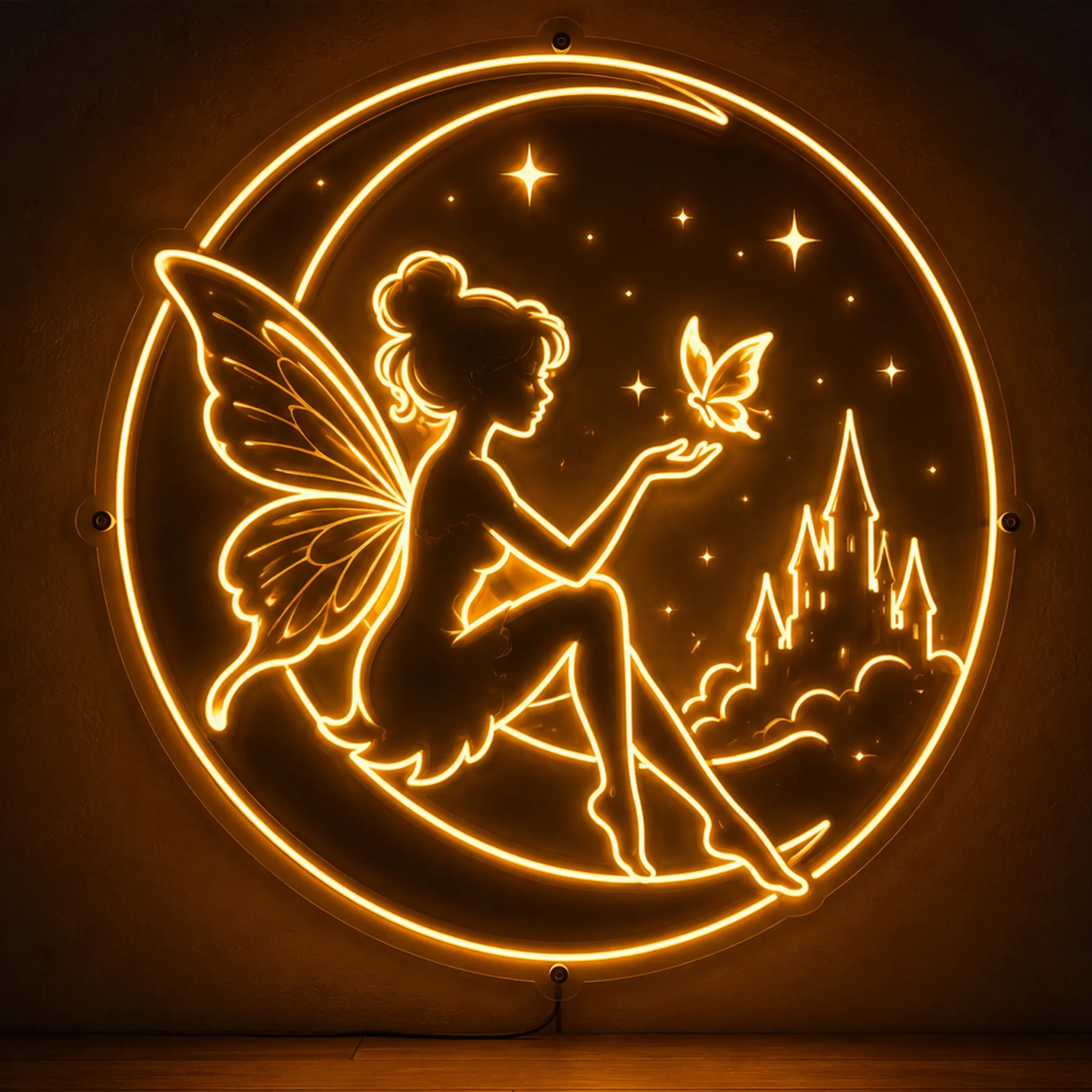
Neon Sign Designer
Centerline DXF, backing outline, and client mockup from one design session.
CNC Relief Studio
Create adjustable 3D bas relief from grayscale height maps and export production-ready STL for CNC carving.
Polyline Fixer
Heal DXF files before laser cutting or CNC engraving. One-click spline-to-polyline conversion for LightBurn, Mozaik, VCarve, and any CAM software.
DXF Nesting
Auto-arrange multiple DXF parts on a sheet for maximum material savings. Cut waste, save cost.
Built by someone who actually runs a laser business.
Not a converter written by engineers who've never touched a machine. Not a marketplace hoping something works. Real tools, tuned on real jobs.
Built by an operator
Every algorithm was tuned on real client jobs — 4,500+ of them. Neon signs, portrait engravings, custom clocks, signage. The tools solve problems Ricky ran into himself.
Machine-ready output
Proper node counts. Clean paths. Kerf-aware scaling. Files that cut clean on Glowforge, xTool, LightBurn, Boss, Epilog, OMTech, and every other machine we test against.
Fast enough to be a workflow
Upload to download in seconds. No queues, no software installs, no watermarks on paid plans. Fast enough to run while the machine is warming up.
Four steps. Under a minute.
Upload
Drop your image, PDF, or DXF.
Process
AI cleans, traces, and vectorizes.
Preview
Live threshold and scale controls.
Download
SVG + DXF, ready to cut.
Loved by laser businesses.
"Cleanest trace output I've seen. Went from Fiverr freelancers to doing this in-house in one afternoon."
"The detail this gives is a masterpiece. Great work. This is the tool I recommend to every laser owner I know."
"Quick to reply and will work with you to get the file exactly right. Best support in the space."
"Exceptional collaboration. Creativity, professionalism, and attention to detail are all there. Highly recommend."
"Photo-to-portrait in one click. My Etsy shop went from 2 orders a week to 20 after I started listing these."
"Centerline DXF, backing outline, and client mockup, all from one session. Saves me two hours per neon job."
Meet other laser pros. Get help. Ship faster.
You're not the only one solving these problems. A real community of laser business owners, hobbyists, and fabricators, plus the tools we ship in between.
Telegram community
Live conversation with laser owners in 30+ countries. Ask, answer, share files.
Telegram bot
Convert images to DXF directly from your phone. Same engine, no browser needed.
YouTube tutorials
Full workflows from photo to cut. Machine-by-machine settings guides.
Blog & guides
Design tutorials, machine settings, freelancing playbooks. New post every 2 weeks.
Design marketplace
Open your digital shop. Upload laser-ready files, set your price, get paid. Your designs, your income.
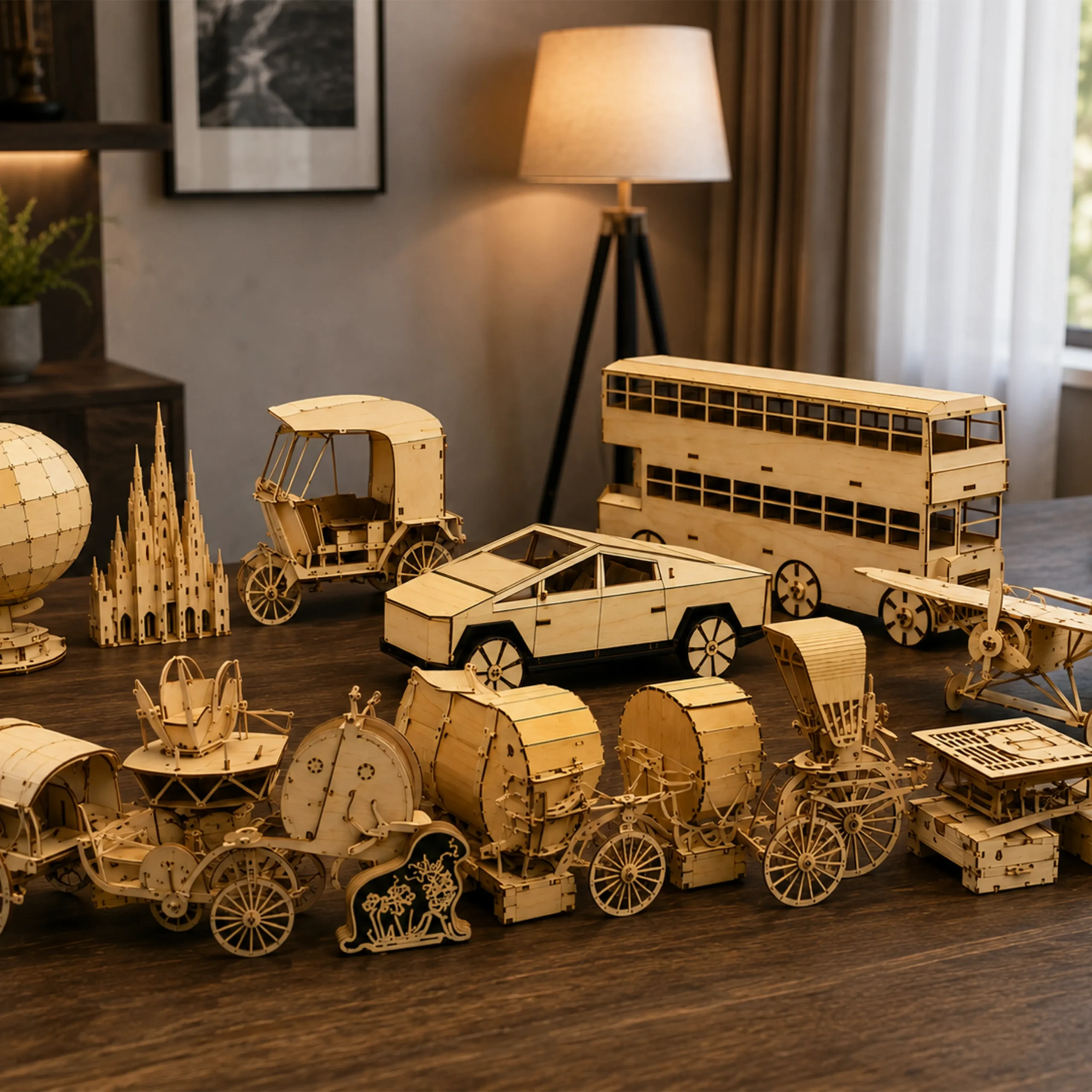
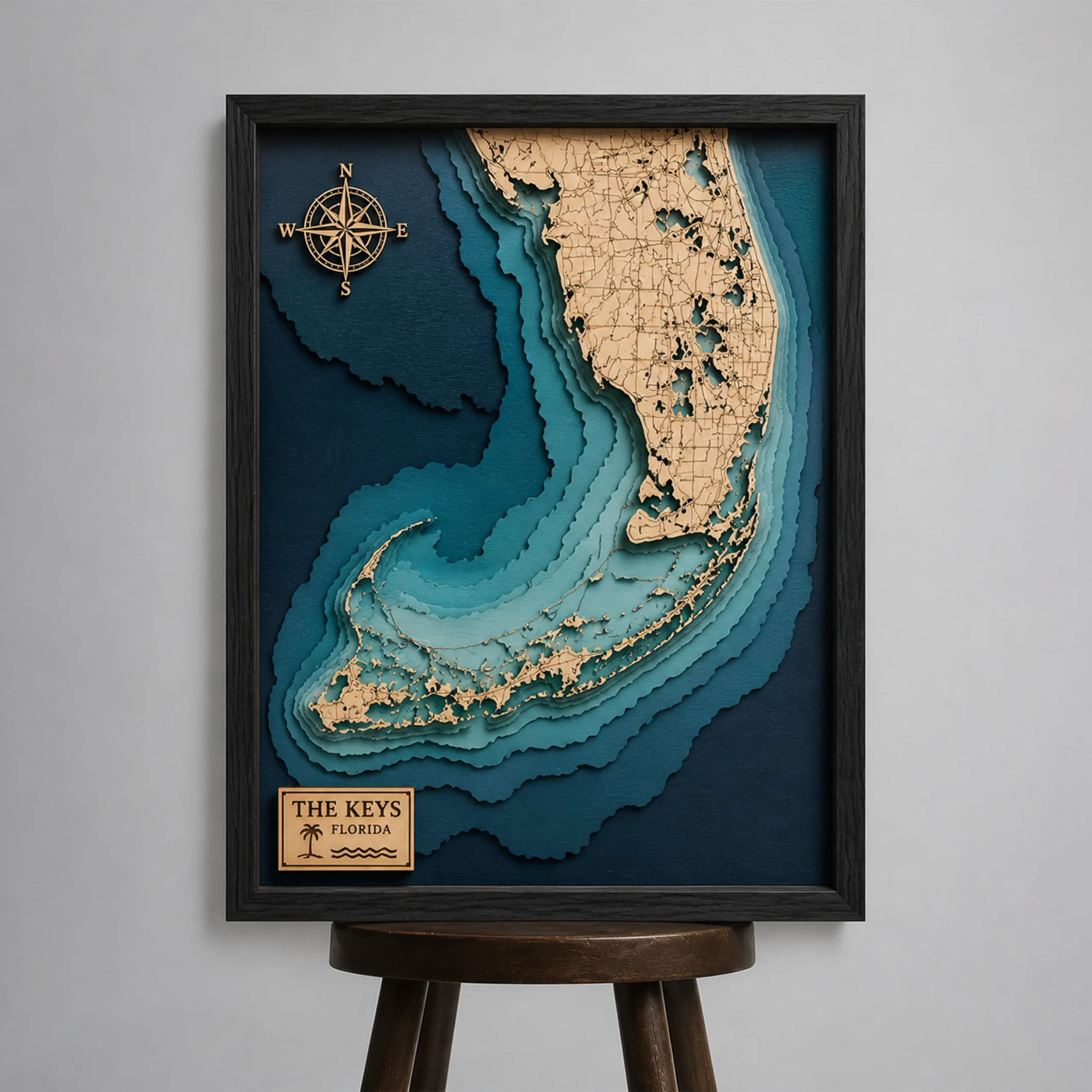
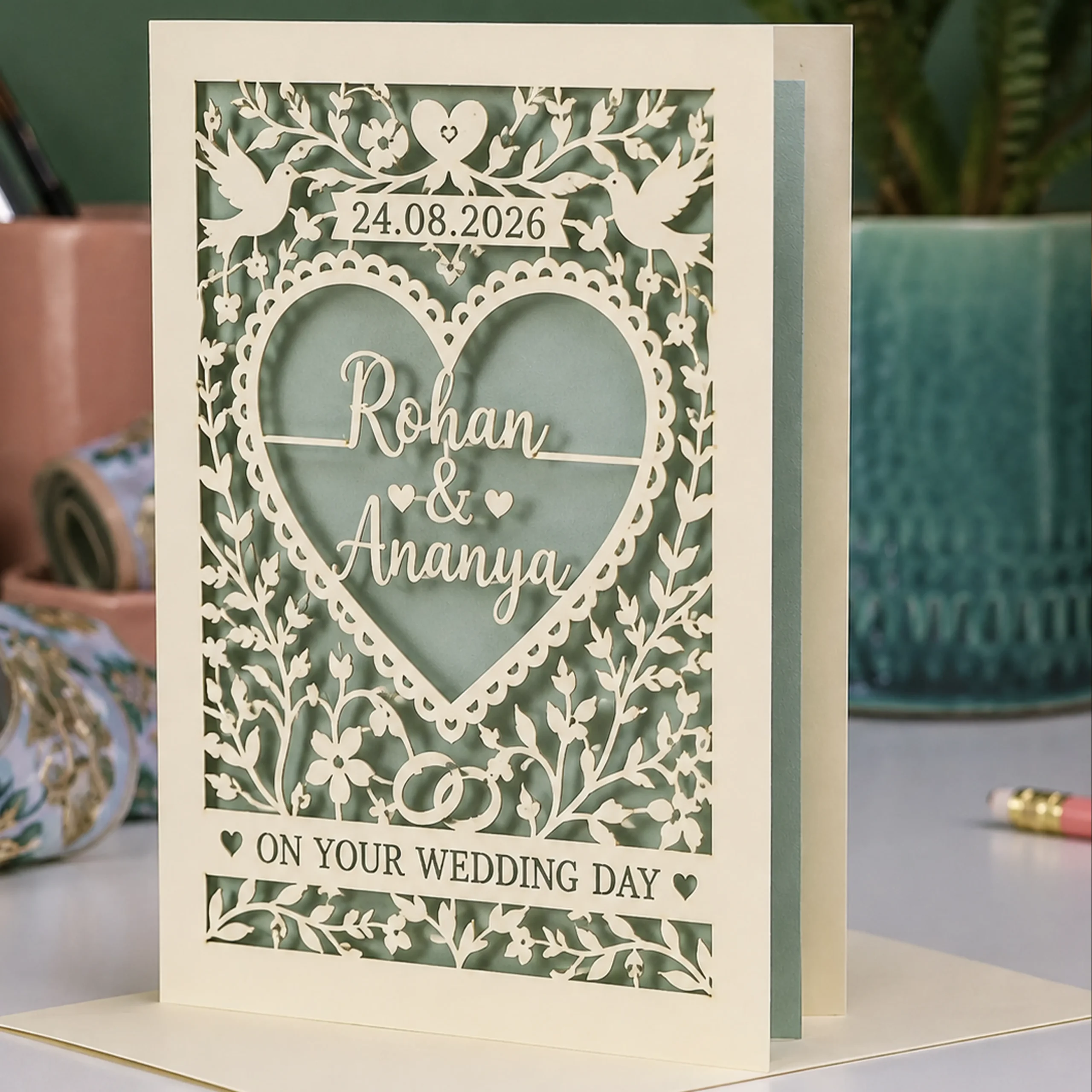
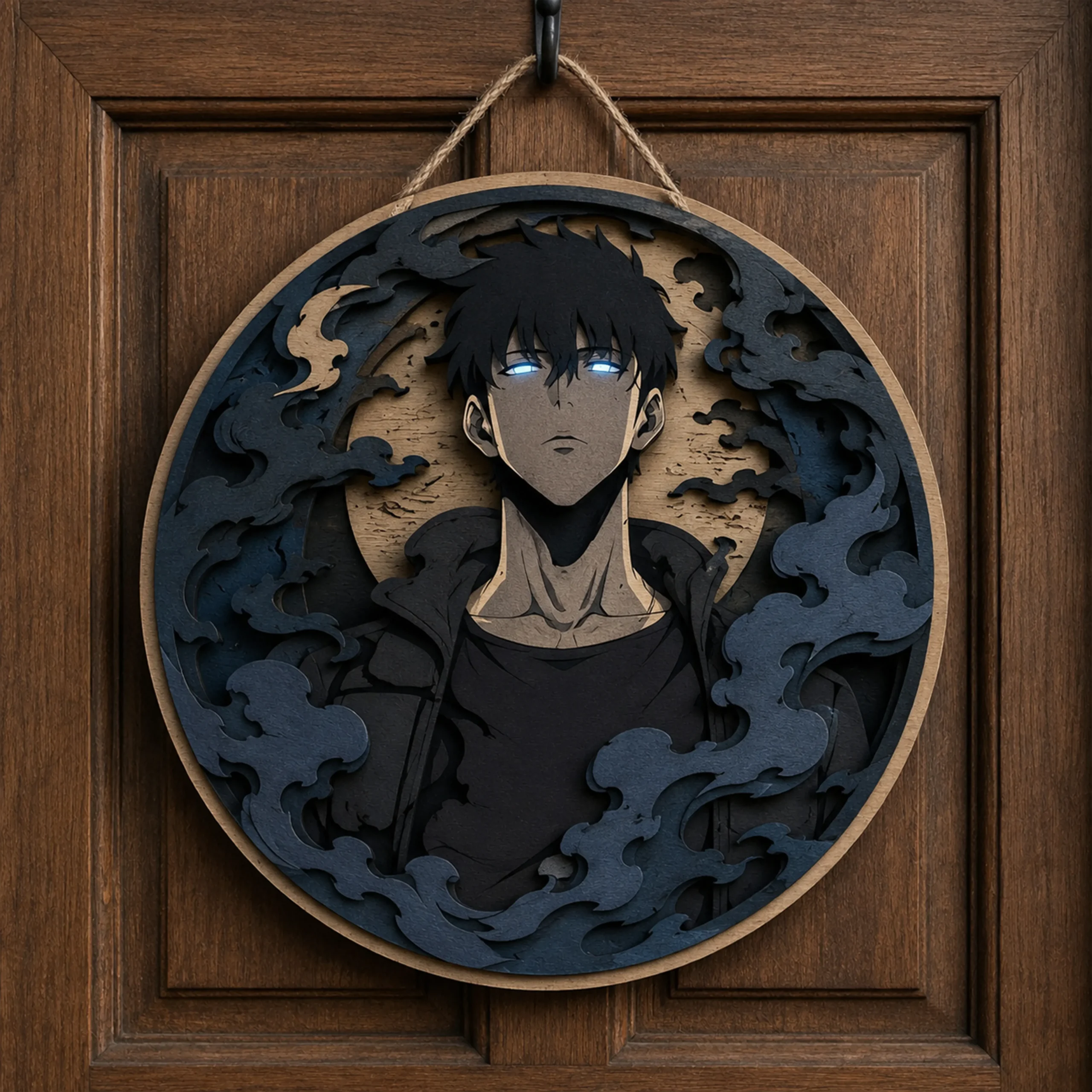
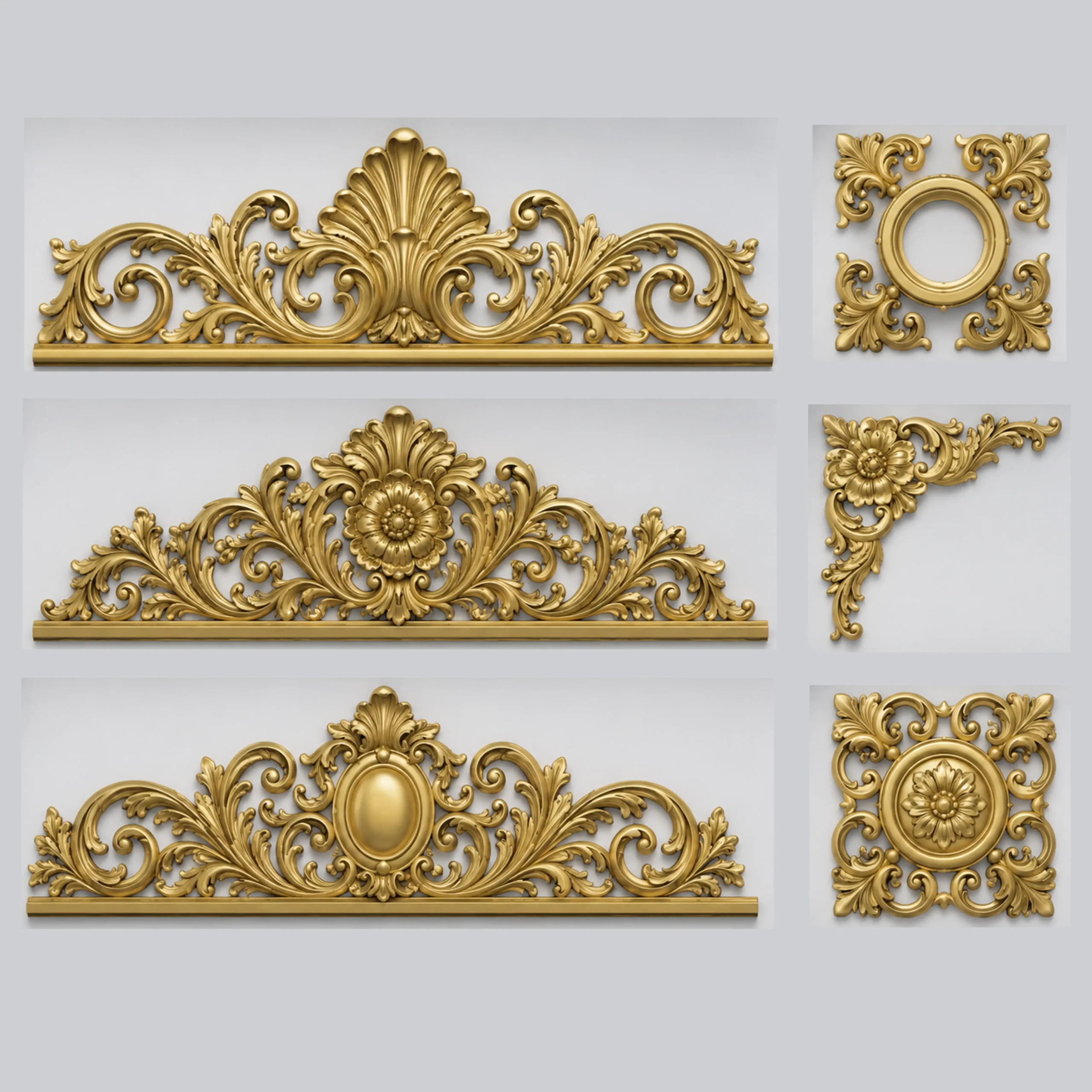

Need a custom laser-ready file?
Portraits, signage, batch production, or anything a stock file can't do. Send the brief and get a quote back with your custom timeline.
Transparent pricing
Compatible with your laser
Formats: SVG · DXF · AI · PDF · LBRN · EPS
Brief received!
Thanks for the details. Ricky will personally review your brief and reply to [email protected] with a quote and next steps.
Answers before you ask.
Which machines is the output compatible with?
Every DXF and SVG we export is machine-agnostic and tested against Glowforge, xTool, LightBurn, Boss Laser, Epilog, OMTech, Ortur, and generic K40 setups. If your machine reads DXF or SVG, our files will cut.
Is the free tier really free forever?
Yes. 10 conversions per day, forever. No credit card. Upgrade only when your workflow needs faster processing, no watermarks, or a commercial license.
Can I use the output commercially?
Basic and Pro plans include a commercial license. Sell, resell, or use in client work with no restrictions. Free tier is for personal use only.
Why should I trust this over other converters?
Because it wasn't built by a software company. Ricky runs a real laser business, has delivered 4,500+ client projects, and fabricated 50+ neon signs. Every algorithm was tuned against jobs that actually had to cut on a real machine.
What if a file doesn't cut cleanly?
Reply to your export email with the machine you're using and we'll re-tune the output. You're not on your own once you hit "Download".
Do you offer refunds?
Full refund within 30 days, no questions. Cancel anytime and you keep every file you've already exported.
Is my uploaded artwork private?
Yes. Files are processed in isolation, never shared, and auto-deleted after 24 hours. See our privacy policy for the full detail.
Help me build the best toolkit for makers
Most tools are free for daily use. Tell me who you are - get early access, discount offers, and share what would make your work easier.
No spam. Real emails from me when something useful ships
Grab 1000+ Vector Files for Laser Cutting
Free forever. Fully editable. Perfect for engraving, cutting, signage & branding projects.
- 1000+ ready-to-cut vector arts & design elements
- Fully editable in Photoshop, Illustrator & more
- High-resolution — scale to any size without loss
- Instant download on Gumroad — no waiting
Hosted on Gumroad — no card required
- 🔓 Vector Tracing Tool - 30 days unlimited access
- ⚡ Business Pro Plan - FREE ($49.99 value)
- 🎯 95 Design Credits included - credits never expire
- 💬 Telegram community - free VIP access