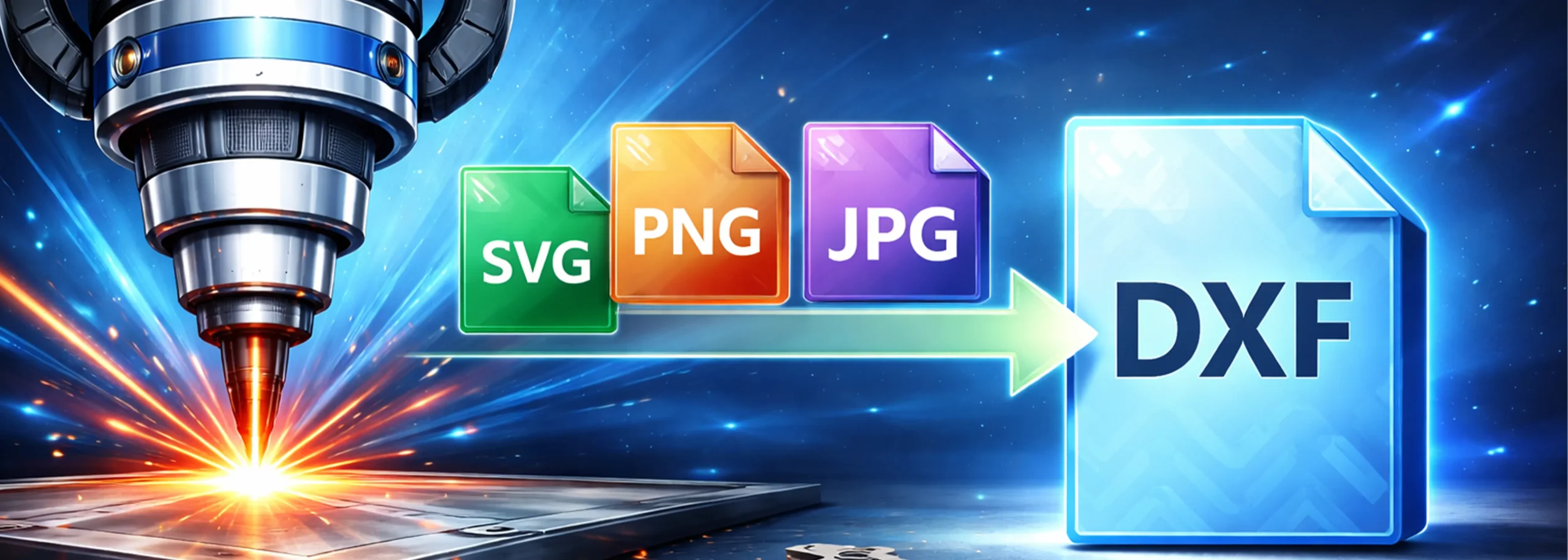
Free SVG, PNG & JPG to DXF Converter for Laser Cutting
Convert your images and vector files into laser-cutting-ready DXF format instantly. Our free online SVG to DXF converter bot delivers high-quality output optimized for laser cutters and CNC machines — no signup required.
How to Convert SVG to DXF for Laser Cutting
Converting your SVG, PNG, or JPG files to DXF format for laser cutting is simple with our free converter bot. Follow these three easy steps to get your laser-ready file in seconds.
Open the Bot on Telegram
Click "Start Converting" above or search for @RickyLaserArtBot on Telegram. Press Start to begin.
Send Your SVG, PNG, or JPG File
Upload your image file directly into the chat. The bot accepts SVG, PNG, and JPG formats of any size.
Download Your Laser-Ready DXF
Within seconds, receive a clean DXF file optimized for laser cutting. Load it directly into your laser cutter or CNC software.
Why Convert SVG to DXF for Laser Cutting?
DXF (Drawing Exchange Format) is the industry-standard file format for laser cutting, CNC machining, and CAD software. While SVG files are great for web graphics, most professional laser cutters and CNC routers require DXF files for precise cutting paths. Here's why DXF is the preferred format for laser cutting projects:
Universal CNC & Laser Compatibility
DXF files work with virtually all laser cutters, CNC routers, and plasma cutters including Epilog, Trotec, Glowforge, and Thunder Laser machines.
Preserves Vector Precision
DXF format maintains exact vector paths, curves, and dimensions ensuring your laser cuts are accurate down to fractions of a millimeter.
CAD Software Ready
DXF files open seamlessly in AutoCAD, CorelDRAW, LightBurn, LaserGRBL, Inkscape, and other design software used in laser cutting workflows.
Separate Cut & Engrave Layers
DXF supports multiple layers, allowing you to define separate paths for cutting, engraving, and scoring on your laser cutter.
Industry Standard Format
Originally developed by Autodesk, DXF has been the standard exchange format for CAD and manufacturing for over 40 years.
Production-Ready Output
Our converter optimizes DXF output for clean cutting paths, removing unnecessary nodes and ensuring smooth curves for quality laser cuts.
Supported File Formats
What Is an SVG File?
SVG (Scalable Vector Graphics) is an XML-based vector image format widely used for web graphics, logos, and illustrations. SVG files are resolution-independent, meaning they can be scaled to any size without losing quality. While SVG is excellent for digital design, most laser cutting machines and CNC controllers cannot read SVG files directly — which is why converting SVG to DXF is essential for laser cutting projects.
What Is a DXF File?
DXF (Drawing Exchange Format) is a CAD file format developed by Autodesk for enabling data exchange between AutoCAD and other programs. DXF files store 2D and 3D design data as vector graphics with precise coordinates. DXF is the most widely supported file format for laser cutting, CNC machining, waterjet cutting, and plasma cutting. Nearly every laser cutter and CNC machine accepts DXF files as input.
What Is a PNG File?
PNG (Portable Network Graphics) is a raster image format that supports lossless compression and transparency. PNG files are pixel-based, making them resolution-dependent. Converting PNG to DXF involves tracing the image to create vector paths that laser cutters can follow. Our converter automatically traces your PNG images and outputs clean vector paths in DXF format.
What Is a JPG File?
JPG (Joint Photographic Experts Group) is the most common raster image format, used for photographs and web images. Like PNG, JPG files are pixel-based and need to be vectorized before laser cutting. Our JPG to DXF converter traces the outlines and details of your JPG images, converting them into precise vector paths suitable for laser cutting and CNC machining.
SVG vs DXF — Which Format for Laser Cutting?
Understanding the differences between SVG and DXF helps you choose the right format for your laser cutting workflow.
| Feature | SVG | DXF |
|---|---|---|
| File Type | Vector (XML-based) | Vector (CAD format) |
| Best For | Web graphics, logos, icons | Laser cutting, CNC, CAD |
| Laser Cutter Support | Limited — few machines read SVG | Universal — all machines |
| CAD Software | Inkscape, browsers | AutoCAD, CorelDRAW, LightBurn |
| Precision | Good for screen display | Excellent for manufacturing |
| Layer Support | Basic grouping | Full layer support (cut/engrave) |
| Dimensions | Relative units (px, em) | Absolute units (mm, inches) |
Bottom line: If you're designing for the web, SVG is perfect. If you need to cut, engrave, or machine your design, convert your SVG to DXF first. Our free converter makes this process instant and hassle-free.
Who Uses Our SVG to DXF Converter?
Our free file converter is used by thousands of makers, designers, and professionals worldwide for various laser cutting and CNC applications:
Laser Cutting Businesses
Professional laser cutting shops convert client artwork from SVG and PNG to laser-ready DXF format for production runs.
Artists & Designers
Graphic designers convert their digital illustrations into DXF files for laser-cut wall art, jewelry, and decorative pieces.
CNC & Workshop Hobbyists
Makers and DIY enthusiasts convert downloaded SVG designs into DXF for their home CNC routers and desktop laser cutters.
Architecture & Engineering
Architecture firms and engineers convert floor plans and technical drawings to DXF for precision laser cutting of scale models.
Craft & Cricut Users
Crafters convert SVG designs to DXF for use with Cricut, Silhouette, and other cutting machines that prefer DXF input.
Students & Educators
Engineering and design students use our converter for class projects, prototyping, and learning CAD file workflows.
Frequently Asked Questions
Start Converting Your Files to DXF — Free
Join thousands of makers and designers who use our free SVG to DXF converter for their laser cutting projects. No signup, no limits, instant results.
Open @RickyLaserArtBot on Telegram