
JPG to DXF: How to Convert Any Image for Laser Cutting (Free, 3 Easy Methods)
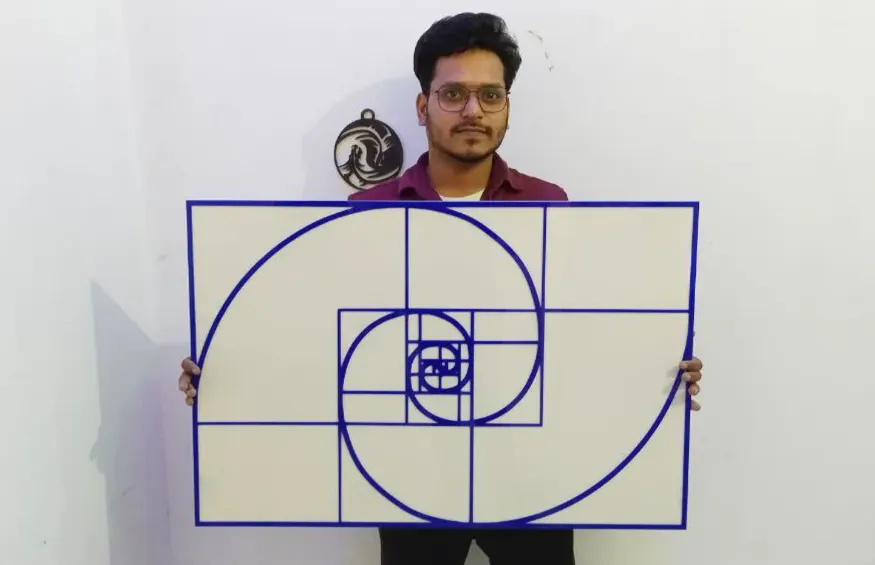
Last month a client sent me a blurry WhatsApp photo of his shop logo and said, “Ricky bhai, can you cut this on 3 mm acrylic by tomorrow?” No vector file, no SVG, just a small JPG. If you run a laser business, you know this story. Ninety percent of customers only have a JPG, and your laser cannot cut a JPG.
So the real job is converting JPG to DXF. I have been doing this every day for more than 6 years on my own laser and for thousands of Fiverr orders, and in this guide I will show you exactly how I do it. You will learn three free methods to convert JPG to DXF, how to prepare the image so the result is clean, and how to fix the usual problems before you waste a sheet.
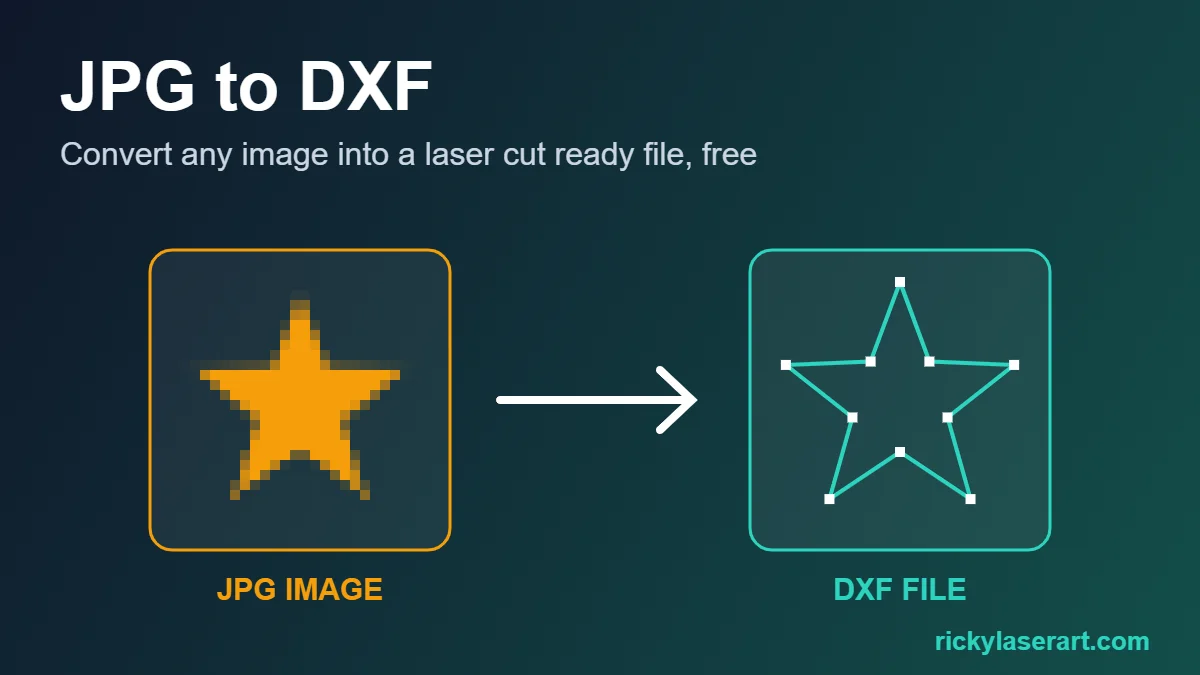
⚡ Quick answer: how to convert JPG to DXF
- Open the free JPG to DXF converter on RickyLaserArt.
- Upload your JPG and move the threshold slider until the shape looks clean.
- Click Download DXF and open it in LightBurn, xTool Creative Space, AutoCAD or your CNC software.
That is it. No signup, no software to install, and it takes less than a minute.
JPG vs DXF: Why Your Laser Needs the Conversion
A JPG is a raster image. It is made of tiny coloured squares called pixels. Zoom in on any JPG logo and you will see the edges turn into steps. A laser can engrave a JPG line by line, but it cannot cut it, because there is no path for the head to follow.
A DXF is a vector file. Instead of pixels it stores lines, arcs and curves with exact coordinates. That is the language laser cutters, CNC routers and plasma tables understand. When you convert JPG to DXF, the software traces the edges of the shapes in your image and turns them into real cutting paths.
| Feature | JPG | DXF |
|---|---|---|
| File type | Raster (pixels) | Vector (paths) |
| Can be cut on a laser | No | Yes |
| Scales without losing quality | No | Yes |
| Best use | Photos, engraving | Cutting, CNC, plasma |
Before You Convert JPG to DXF: Prepare the Image
Honestly, 80% of a good conversion happens before you upload. A clean image gives you a clean DXF. A messy image gives you hundreds of tiny broken paths. Here is my checklist:
- Use the biggest version you have. Ask the client for the original file, not a screenshot. At least 1000 px wide is a good start.
- Crop tight. Remove everything around the design you do not want to cut.
- Make it black and white. High contrast works best: dark design on a plain white background.
- Remove the background. Shadows, gradients and textured backgrounds create noise lines.
- Fix small gaps. If letters touch or a line is broken, fix it now in any photo editor.
If you are starting from a real photo of a person, pet or object, the steps are a bit different. I wrote a separate guide on the photo to DXF converter for that.
Method 1: Free Online JPG to DXF Converter (Fastest)
This is the method I use for 9 out of 10 jobs, because it is fast and works on any device, even your phone. I built this image to DXF converter for my own shop and made it free for everyone.
- Open the converter and click Upload Your Image. It accepts JPG and PNG.
- Adjust the threshold. The slider starts at 128. Move it left to keep only the darkest parts, or right to include lighter areas. The live preview shows exactly what will be traced.
- Use Invert if needed. If your design is white on a dark background, tick Invert image so the design becomes the cutting shape.
- Download DXF for laser and CNC software, or Download SVG if you use Inkscape, Cricut or Glowforge.
- Open the file in LightBurn or xTool Creative Space, set your size and run a test cut.
The whole JPG to DXF process takes less than a minute, and you do not need to install anything.
🛠️ Tool that helps: Free JPG to DXF Converter
Upload a JPG or PNG, control the threshold live and download a clean DXF or SVG. Free, online, no signup.
Method 2: Convert JPG to DXF in Inkscape (Free Desktop Software)
Inkscape is free and gives you more manual control. It is a good choice if you want to edit nodes after tracing.
- Open Inkscape and go to File, Import to bring in your JPG.
- Select the image and open Path, Trace Bitmap (shortcut Shift + Alt + B).
- Choose Brightness cutoff, adjust the threshold and click Apply.
- Drag the new vector off the image and delete the original JPG.
- Go to File, Save As and pick Desktop Cutting Plotter (AutoCAD DXF R14).
Tip from experience: after tracing, use Path, Simplify (Ctrl + L) once. It removes extra nodes so the laser moves smoother.
Method 3: Convert JPG to DXF in LightBurn
If you already own LightBurn, you can trace and export without leaving the software:
- Import your JPG into LightBurn.
- Right click the image and choose Trace Image (Alt + T).
- Adjust Cutoff and Threshold until the preview looks right, then click OK.
- Delete or hide the original image.
- Go to File, Export and save as DXF.
LightBurn tracing is good, but it is paid software. If you only need a DXF file to send to a client or a CNC shop, the online converter is quicker.
Which JPG to DXF Method Should You Use?
| Method | Cost | Speed | Best for |
|---|---|---|---|
| Online converter | Free | Under 1 minute | Logos, text, silhouettes, quick client jobs |
| Inkscape | Free | 5 to 10 minutes | Detailed node editing |
| LightBurn | Paid | 2 to 3 minutes | People who already cut with LightBurn |
My honest advice: start with the online JPG to DXF converter. If the result needs heavy editing, open the DXF in Inkscape or LightBurn and clean it there.
Outline or Single Line? Pick the Right DXF for the Job
Normal tracing creates an outline around every shape. That is perfect for cutting letters, logos and silhouettes out of wood, acrylic or metal.
But for some jobs you need a single line (centerline) instead, for example neon sign paths, pen plotters or fast line engraving. An outline would give you two lines for every stroke. For neon designs I use the Neon Sign Designer, which traces a single centerline path and exports a DXF ready for the backboard.
Fix Common JPG to DXF Problems
- Jagged or wobbly edges: the JPG was too small. Use a bigger source image, or upscale it before converting.
- Hundreds of tiny dots and specks: JPG compression noise. Raise the threshold a little or clean the background first.
- Broken lines or curves your laser will not read: run the file through DXF Doctor. It finds broken or open lines in the DXF and converts splines to polylines (or back), so LightBurn and other software read every curve correctly.
- Too many nodes, laser moves slowly: use Path, Simplify in Inkscape or lower the detail before tracing.
- Wrong size after import: DXF units can be mm or inches. Resize it in the Scale DXF tool, which also keeps slots matched to your material thickness.
- Inside parts fall out (like the middle of O, A, R): add small bridges before cutting, or engrave those letters instead.
JPG to DXF for CNC Router and Plasma Cutting
The same DXF works on CNC routers and plasma tables too. A few extra tips for those machines:
- Plasma: avoid tiny details under about 3 mm. The torch kerf is wide, so small islands will burn away.
- CNC router: remember inside corners will be round because of the bit radius. Keep thin parts at least as wide as your bit.
- Many copies on one sheet: after you convert JPG to DXF, use the free DXF nesting tool to pack the parts and save material.
FAQ: JPG to DXF
Can I convert JPG to DXF for free?
Yes. The RickyLaserArt image to DXF converter is free and works in your browser. Upload the JPG, adjust the threshold and download the DXF. Inkscape is another free option.
What is the best JPG to DXF converter for laser cutting?
For quick logos, text and silhouettes, an online converter with live threshold control is the fastest. For heavy node editing, use Inkscape. LightBurn users can use its built in Trace Image.
Why does my DXF from a JPG have rough edges?
The source JPG is usually too small or heavily compressed. Use a larger, high contrast image with a plain background and the edges will come out smooth.
Can LightBurn open a DXF made from a JPG?
Yes. LightBurn, xTool Creative Space, RDWorks, AutoCAD and Fusion 360 all open DXF files. Just check the units and size after import.
Is it better to use PNG or JPG for DXF conversion?
PNG is slightly better because it has no compression artifacts and can have a transparent background. A clean, high resolution JPG still works very well.
Can I convert a photo of a person to DXF?
Yes, but photos need extra preparation because of shadows and soft edges. Follow the photo to DXF guide on RickyLaserArt for the right settings.
Final Words
Converting JPG to DXF is not difficult once you know the trick: start with a clean, high contrast image, trace it with the right threshold, and check the file before you cut. For most jobs the free JPG to DXF converter gets it done in under a minute. Keep Inkscape or LightBurn for the rare file that needs manual work.
Got a tricky image that will not trace well? Send it to me through the custom design form and I will turn it into a cut ready file for you.
Pingback: 7 Best Free Laser Engraving Software in 2027 (Tested Picks)