
Automatic Image Cleaning & Tracing Tool for Laser Cutting
No need to manually clean images or trace them in Inkscape. Upload your image and automatically get a clean, properly traced vector ready for laser cutting, with optional DXF export.
No design skills required. No complex software.
Designed to simplify real workflows – your feedback helps make it even better.
Best Free Software for Laser Cutting-Designer's Assemble:
Introduction:
Welcome to my blog! I’m Ricky, a laser cutting designer and entrepreneur with years of experience in the field. Running my own laser cutting business, I understand how important it is to choose the right free software for laser cutting to make your designs stand out. Whether you are a beginner, hobbyist, or professional, finding the right software can save time, money, and effort while maximizing creativity and precision.
In this detailed guide, I’ll introduce you to the best free laser cutting software available, breaking them down into design software, CAM software, and control software. I’ll also include Photoshop, a powerful tool for refining laser-cutting designs. Let’s get started!
Most beginners struggle with preparing images for laser cutting.
Traditionally, this involves cleaning the image and manually tracing it in tools like Inkscape – which takes time and effort.
To simplify this process, you can use an automated tool that cleans and traces your image instantly, making it ready for laser cutting and DXF export.
"Master Laser Cutting Like a Pro! (Pls... Read till the end for FREE resources you won’t want to miss!)"
Why Do You Need the Right Laser Cutting Software?
For example, instead of spending time cleaning and manually tracing images, you can use an automated tool that cleans and traces your image instantly, preparing it for laser cutting in seconds.
Using the best Free software for laser cutting is essential because:
- It helps you create precise and clean designs.
- It ensures compatibility with your laser cutter.
- It improves workflow efficiency.
- It provides better engraving and cutting results.
Whether you’re using CO2 lasers, fiber lasers, or diode lasers, the right software will enhance your creative potential.
Types of Software Used in Laser Cutting
1. Design Software (Vector & Raster Editing)
Used for creating and editing designs before sending them to the laser cutter. Examples: Adobe Illustrator, CorelDRAW, Inkscape, Photoshop.
2. CAM Software (G-code Generation)
Converts designs into machine-readable instructions. Examples: LightBurn, RDWorks, LaserGRBL.
3. Control Software (Laser Machine Execution)
Communicates directly with the laser cutter to execute designs. Examples: EZCAD, Mach3, LightBurn.
Best Free Software for Laser Cutting To Make Custom Designs:
1. Photoshop 2021 – The Best Free Software for Laser Cutting, Ideal for Creating Complex Images
✅ Perfect for converting images into laser engraving designs.
✅ Allows precise adjustments, layering, and high-quality raster graphics.
✅ Supports bitmap tracing for laser engraving.
❌ Not originally made for laser cutting (must export designs to vector format):- If your goal is to prepare an image for laser engraving or cutting, you can use an automated tool that cleans and traces your image automatically, eliminating the need for manual adjustments and complex workflows.
❌ Paid, but can be used with a free trial.
2. Inkscape – Best Free Vector Design Software:
✅ Completely free and open-source.
✅ Supports SVG, DXF, and AI formats.
✅ Great for vector editing and laser cutting designs.
❌ Can be slow with complex designs.
❌ Lacks advanced tools like Illustrator.
However, if you want to skip manual work, you can use an automated tool that cleans and traces your image automatically, saving time and effort.
3. CorelDRAW – A Powerful Alternative to Illustrator:
✅ Popular among laser engraving professionals.
✅ Direct integration with Epilog & Trotec laser cutters.
✅ More affordable than Adobe Illustrator.
❌ Subscription-based pricing.
4. Adobe Illustrator – Industry Standard for Professionals:
✅ Best for high-precision vector design.
✅ Supports SVG, DXF, AI file formats.
✅ Seamless integration with Photoshop.
❌ Expensive ($20.99/month).
❌ Steep learning curve.
 AFTER
AFTER BEFORE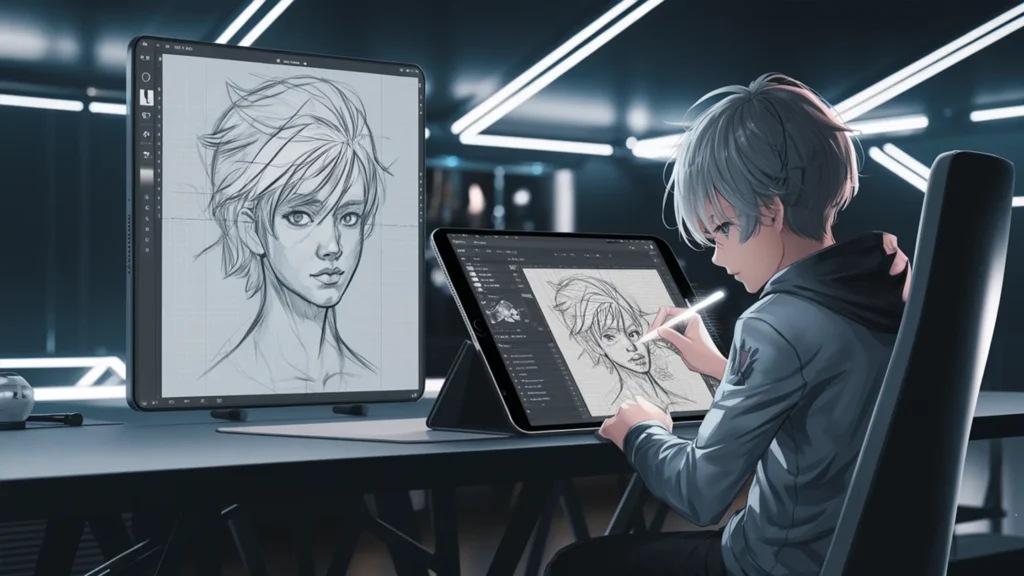
5. Procreate App for iPad Users: Not a Free Laser Cutting Software, but a Powerful Design Tool:
Procreate is a powerful app for iPad users, offering an intuitive and creative platform for designing custom portraits, especially for metal wall art. With its robust set of brushes and tools, Procreate allows you to sketch, refine, and trace designs by hand. It’s perfect for artists looking to create detailed, personalized portraits that can later be converted into vector files for laser cutting.
The app’s pressure-sensitive features make it ideal for fine details, while its ease of use ensures you can seamlessly trace your hand-drawn sketches to create precise vector outlines. Whether you’re crafting intricate metal wall art or tracing simple designs, Procreate provides everything you need to bring your creative vision to life before sending it off for laser cutting.
Skip Manual Work – Clean & Trace Images Automatically
Creating laser-ready files usually requires:
1. Cleaning the image
2. Manually tracing it
This process can be slow and difficult for beginners.
With an automated tool, you can upload your image and get a clean, properly traced output instantly. You can also export it as DXF for laser cutting and CNC workflows.
Best Free CAM Software for Laser Cutting :
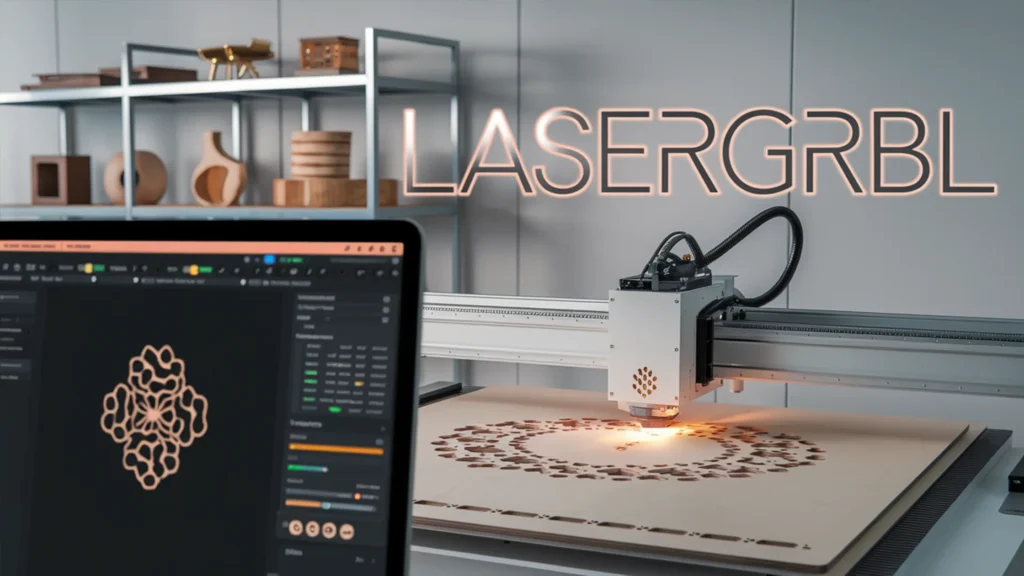
1. LaserGRBL–Best Free Laser cutting Software for Hobbyists:
✅ Open-source and completely free.
✅ Supports GRBL-based laser machines.
✅ Easy to use and lightweight.
❌ Only supports GRBL firmware.
❌ Lacks advanced automation features.
2. RDWorks – Best for Ruida Controllers:
✅ Free and works seamlessly with Ruida-based laser cutters.
✅ Simple G-code generation.
❌ Outdated interface.
❌ Learning curve can be steep.
3. LightBurn – Best All-in-One Software:
✅ Combines vector design, CAM, and control.
✅ Works with Ruida, Trocen, and GRBL controllers.
✅ One-time payment ($60).
❌ Not free but offers a trial version.
Best Free Control Software for Laser Cutting:
1. EZCAD – Best for Fiber Laser Engraving:
✅ Ideal for metal engraving and Galvo lasers.
✅ Provides high precision in marking.
❌ Not beginner-friendly.
❌ Primarily for marking, not cutting.
2. Mach3 & Mach4 – Best for CNC-Based Laser Cutters:
✅ Highly customizable for CNC & laser cutting.
✅ Advanced scripting and automation.
❌ Expensive (Mach4 costs around $200).
❌ Requires technical knowledge.
Factors to Consider When Choosing Laser Cutting Software:
Before selecting the best laser cutting software, consider:
✅ Machine Compatibility – Check if the software works with your laser cutter.
✅ Ease of Use – Choose software based on your skill level.
✅ Pricing – Compare free vs. paid options.
✅ Features & Automation – Look for optimization & customization tools.
Conclusion – Which is the Best Free Laser Cutting Software?
If you are a beginner, I recommend: 👉 Inkscape (for vector design) + LaserGRBL (for machine control).
If you need an all-in-one solution, go for: 👉 LightBurn (Best for professionals and hobbyists).
If you work at a professional level, use: 👉 Adobe Illustrator + Photoshop for high-quality vector and raster designs.
Each software has its strengths, so pick the Any free software for laser cutting that suits your workflow and start creating stunning laser-cut designs! 🚀
If you want the fastest workflow without learning complex software, you can use an automated image cleaning and tracing tool that prepares your designs for laser cutting in seconds.
FAQs – Frequently Asked Questions
No, LightBurn is a paid software ($60 one-time fee), but it offers a free trial.
The best free options are Inkscape (for design) and LaserGRBL (for machine control).
Yes, Photoshop is great for image engraving and preparing designs for laser cutting. However, you’ll need to export designs in vector format (SVG or DXF) before cutting.
No, Illustrator is only a design software. You need a CAM/control software like LightBurn or RDWorks to send files to the laser cutter.
Yes! While Procreate itself doesn’t export vector files directly, you can create detailed hand-drawn designs and then convert them into vector format using software like Adobe Illustrator or Inkscape. This makes it a great tool for sketching and tracing custom portraits for metal wall art before preparing them for laser cutting.
Yes, manual tracing can be time-consuming, especially for beginners. Instead, you can use an automated tool that cleans and traces your image automatically, preparing it for laser cutting or engraving without any manual work.
If you found this guide useful, share it with fellow designers and laser enthusiasts! 🔥
Explore Our Free Digital Products!
Check out our free digital resources like stylish fonts (perfect for laser cutting), ready-to-use laser cut files (in SVG, DXF, PDF formats), and professional mockup bundles to showcase your products. Everything’s completely free—just explore, download, and elevate your creative projects! Click here to get started.
Want to Learn More?
If you want to master the complete process of laser cutting design & engraving, my detailed course covers everything step by step. You can buy my course to learn advanced techniques and tips that will help you create professional custom laser engraving designs with ease. 

Get Expert Help & Services
Need professional help with custom laser engraving design? I offer expert services on Fiverr. If you need a custom engraving design tailored to your needs, check out my Fiverr profile.
Join My Newsletter
Want to receive the latest tips, tricks, and updates on laser engraving and cutting? Subscribe to my newsletter and stay ahead in your engraving journey!